
 ACCOUNT

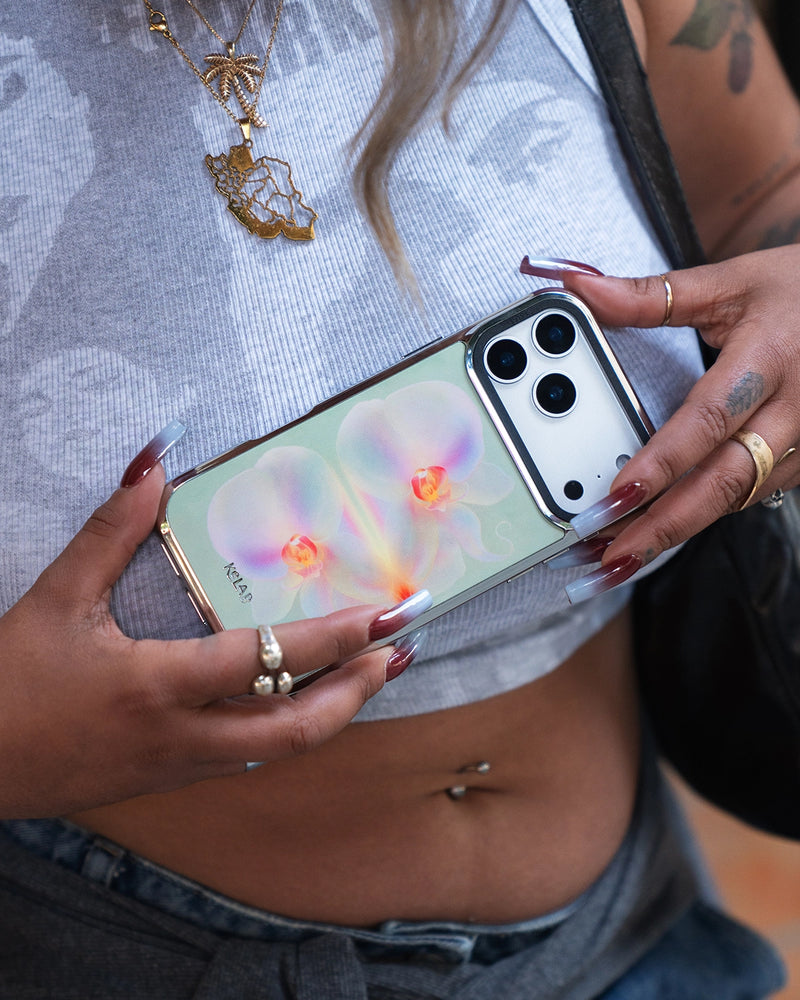
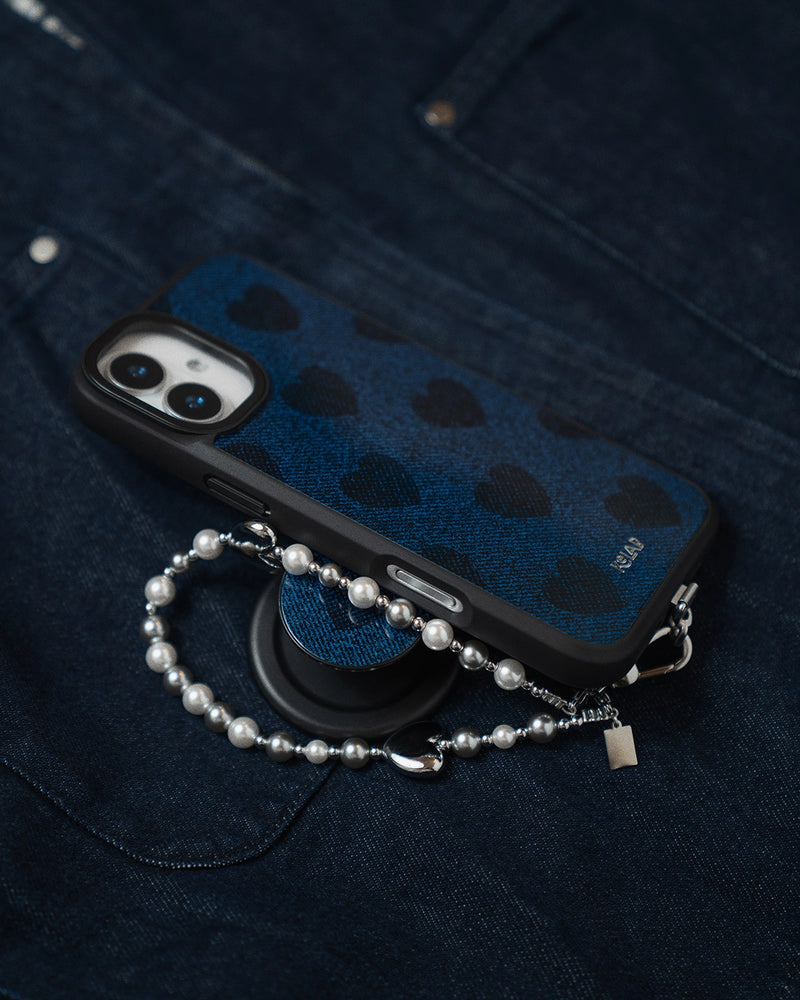
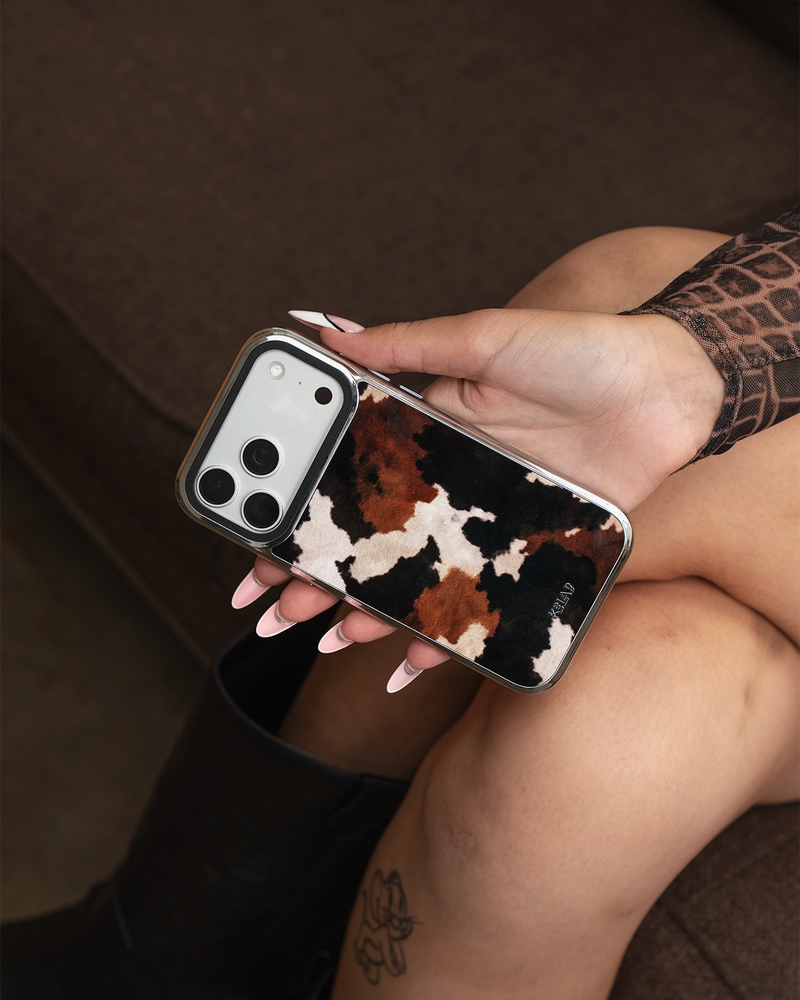
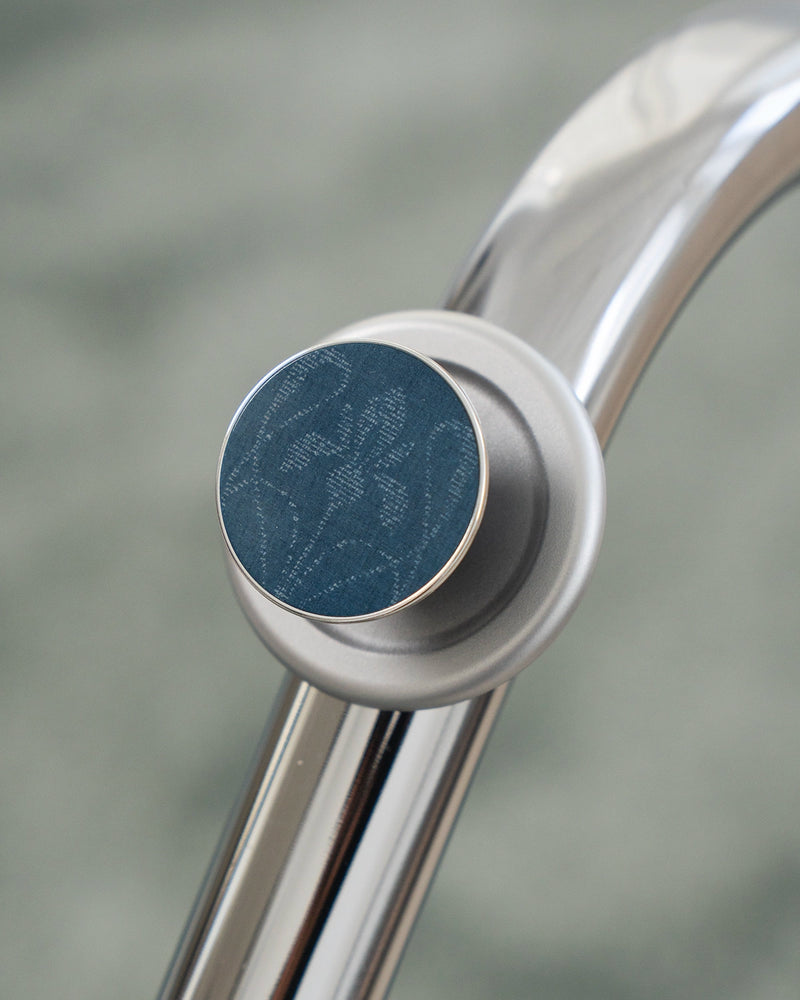
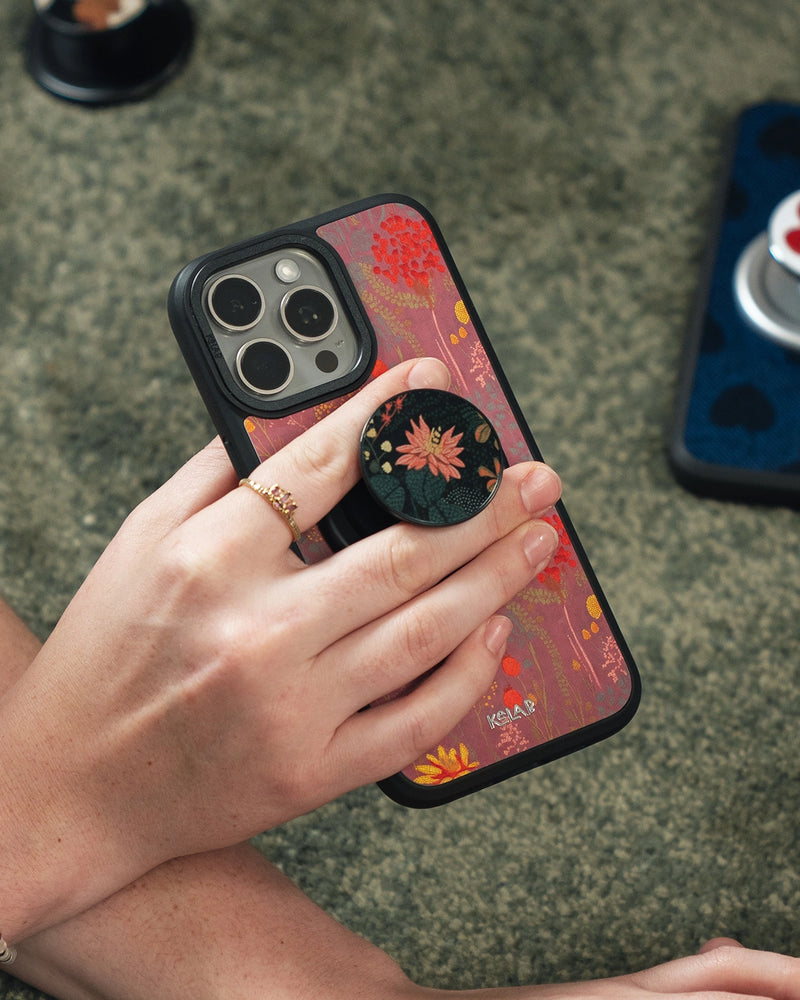
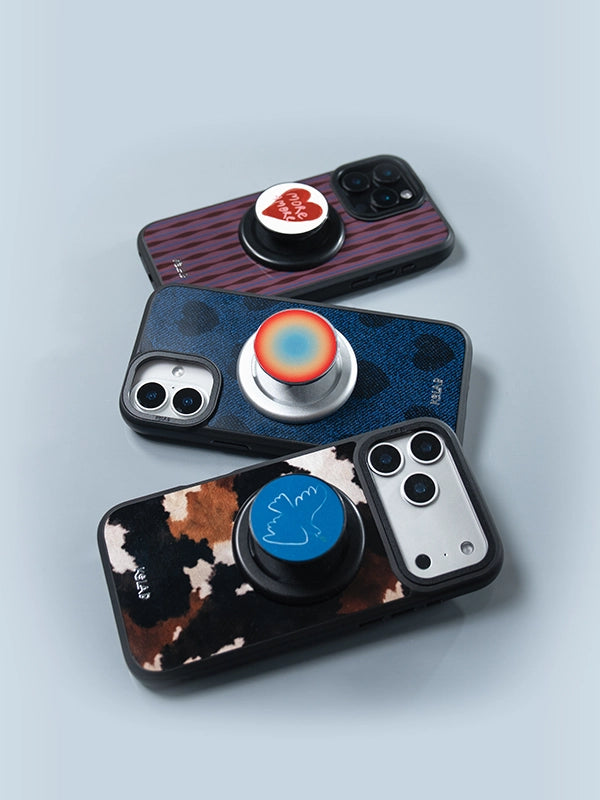
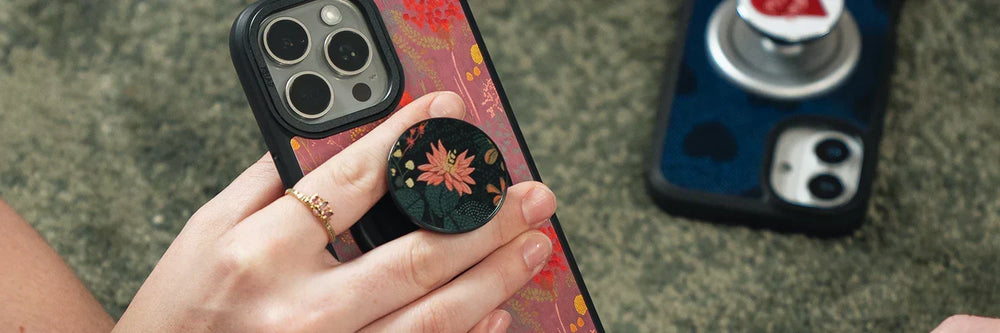
A MagSafe grip is a magnetic phone accessory that snaps onto the back of a MagSafe iPhone (iPhone 12 and newer) or a MagSafe case, giving you a secure one-handed hold with no adhesive. Unlike stick-on grips, it attaches through Apple's magnetic ring, so you can pull it off cleanly, leave no residue, and keep charging wirelessly.
That is the short version. The longer version is that "MagSafe grip" covers three different accessories that solve three different problems, and the magnets that make them work vary more than the marketing admits. This guide covers the types, what the magnets actually need to do, and how to choose.


What is a MagSafe grip?
A MagSafe grip is a small accessory that holds onto the back of your iPhone using magnets instead of glue. Apple built a ring of magnets into every iPhone from the iPhone 12 onward, and a MagSafe grip has a matching ring that snaps into place over it. The result is a firm, centered hold you can attach or remove in a second, with nothing left behind on the phone.
It belongs to the same magnetic system as MagSafe chargers, wallets, and mounts, so the grip shares the back of your phone with the rest of that ecosystem. Depending on the design, a grip gives you a place for your fingers, a loop to slide them through, or a collapsible stand that props the phone up for video. The point is the same across all of them: fewer dropped phones, easier one-handed use, and no permanent commitment to your case.
MagSafe grip vs a regular magnetic grip: what to look for
This is the distinction that matters most, because a lot of grips are sold as "magnetic" without being true MagSafe. A generic magnetic grip may stick to the back of your phone, but if its magnets do not line up with Apple's ring, it can drift out of position and it will not hold reliably on a MagSafe car mount or charger. True MagSafe compatibility means the magnets match Apple's array, so the grip locks into the right spot every time and works with the rest of your MagSafe gear.
When you compare grips, four things separate a good one from a frustrating one:
- Magnet grade. N52 is the strongest grade used in consumer accessories. Weaker magnets feel loose and let the grip slide.
- Hold strength. A pull force around 25N or higher is the baseline for a grip that stays put when you tug the phone from a pocket.
- Profile. A slim grip, ideally under 0.25 inches when flat, slips in and out of a pocket without snagging.
- Reversible, no adhesive. A magnetic grip should come off clean. If it relies on glue, it is not really a MagSafe grip.
KELAB makes three kinds of MagSafe grip, each built for a different way of holding your phone. Here is how they compare:
| Silicone Loop Grip | Pop-Style Grip | Suction Mount | |
|---|---|---|---|
| Price | $8 | $16 to $18 | $5 |
| Attaches by | MagSafe magnet | MagSafe magnet | MagSafe magnet, plus a suction cup |
| Profile | Slim, low profile | Collapses flat, expands to grip | Compact disc |
| Hands-free stand | Finger hold only | Yes, props the phone up | Holds the phone on a flat surface |
| Best for | Everyday one-handed hold | Video, scrolling, matching your case | Mirror, desk, kitchen, any non-magnetic surface |
| Designs | Soft-touch solid | 40+ prints to match KELAB cases | Solid |
The silicone loop is the slimmest, lowest-cost way to make a large phone easier to hold one-handed:

Does a MagSafe grip affect wireless charging or damage your phone?
No, a MagSafe grip does not damage your phone or its battery. Modern iPhones use solid-state components that are not affected by the kind of magnets in a grip. The old worry about magnets harming electronics comes from spinning hard drives, not today's phones.
Wireless charging still works, with one practical note. A slim grip is designed to share the magnetic ring, so on low-profile designs you can snap a MagSafe charger onto the back and keep charging. On a thicker pop-style grip you simply pop it off for a second while it charges, then snap it back. For the fastest, best-aligned charging, Apple recommends a clear path to the magnetic ring, which you can read about on Apple's MagSafe charging page.
The one real caution is credit cards. The strong magnets in any MagSafe accessory can demagnetize the stripe on a card, so keep cards and hotel keys out of direct contact with the grip. This is true of every MagSafe grip, wallet, and mount, not just KELAB's.
Which MagSafe grip should you choose?
The right grip comes down to how you actually hold your phone:
- A secure everyday hold in the slimmest package. The silicone loop at $8. It disappears into a pocket and just keeps the phone from slipping.
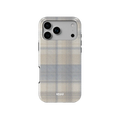
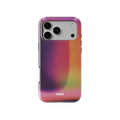
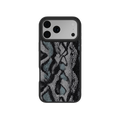
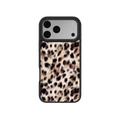
- Hands-free video and a look that matches your phone. A pop-style grip at $16 to $18. It expands for your fingers, collapses into a stand, and comes in over 40 prints that mirror KELAB cases.
- Propping your phone on mirrors, tile, or a desk. The suction mount at $5. It uses MagSafe to hold the phone and a suction cup to stick to any smooth, non-magnetic surface.

Over 40 pop-style grips, printed to match cases already in the KELAB range.
The pop-style grips are built to pair with a case you already own, so the print carries front to back:


Do MagSafe grips work on older iPhones or Android?
MagSafe is native to iPhone 12 and every iPhone since, so on those models a grip snaps straight on. The iPhone 11 and earlier, and almost all Android phones, do not have the built-in magnetic ring, so a grip has nothing to lock onto by itself.
There are two easy fixes. Put on a MagSafe-compatible case, which builds the magnetic ring into the case, or stick on a thin magnetic ring adapter that creates the attach point. Either works, though the hold is usually a little softer than on a phone with magnets built in. If you use a case, make sure it is genuinely MagSafe rather than a plain case, since a thick non-MagSafe case can block the magnets.
Shop the MagSafe grips
Explore Collection


Stand out, quietly. The grip just keeps it in your hand.
Want a grip that matches a print you already wear? Our edit of six MagSafe grips with a matching case walks through the three ways to pair a grip with a case you already own. The snakeskin styling guide covers the same pattern across cases and grips, and our guide to aesthetic phone cases shows how a grip finishes a pared-back setup.


