
 ACCOUNT

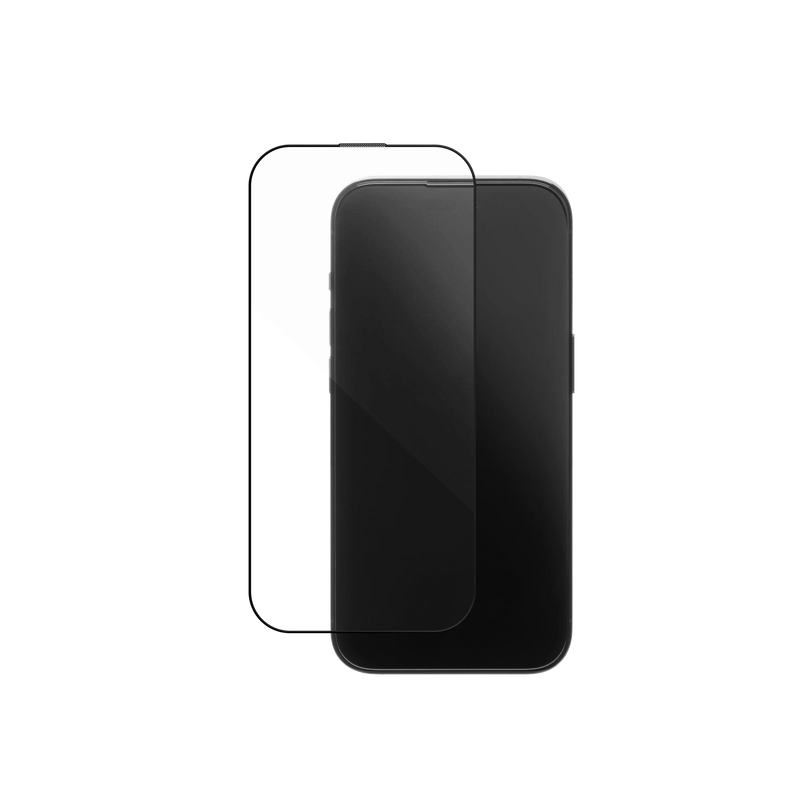
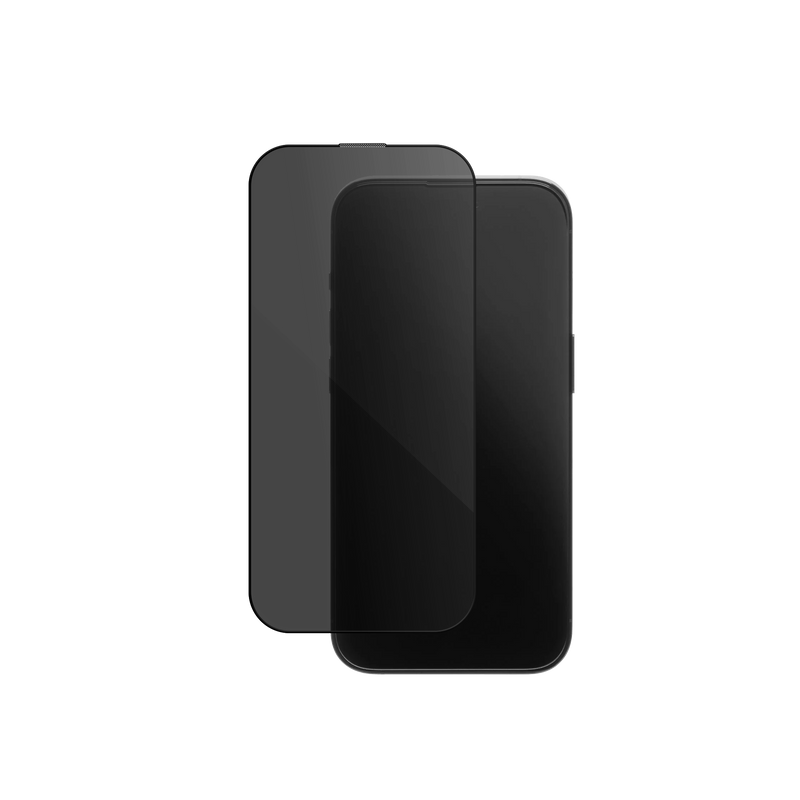
A screen protector is a thin layer of tempered glass or film that sits over your phone screen and takes the scratches, chips and cracks so the display underneath does not. Choosing the right one comes down to three questions: do you want plain clarity or privacy, do you need your rear camera covered too, and does it fit around your case. This guide walks through every type, what the specs actually mean, and how to fit one without a single bubble, for iPhone 12 to 18 and Samsung Galaxy.
In this guide
- Do you actually need a screen protector?
- The KELAB range: clear, privacy and lens
- Clear or privacy: which should you choose?
- What makes a good screen protector?
- Will a screen protector work with my case?
- How do you apply one without bubbles?
- Frequently asked questions
Do you actually need a screen protector?
For most people, yes. Modern phone glass is scratch-resistant, not scratch-proof, and the thing that scratches it is not your key or your coin, it is the fine sand and grit that rides around in the same pocket or bag. Those micro-scratches dull the display over time and become stress points where a drop turns into a crack. A screen protector is a cheap, replaceable sacrificial layer: it costs a few dollars and takes the damage instead of the panel underneath, which is the expensive part to repair. If you keep your phone for more than a year, sell or trade it in later, or simply hate the sight of a scratched screen, a protector pays for itself.
Recent iPhones make this confusing. Apple's Ceramic Shield, and Ceramic Shield 2 on the iPhone 17, is genuinely tougher, but tougher means harder to crack, not harder to scratch, and quartz-hard grit still marks it. A protector is worth having even with a case: the case guards the corners and edges, while the protector guards the flat face that actually meets the pavement. It also protects resale value, since a scratch-free screen is worth meaningfully more at trade-in. One note if you have an iPhone 17: its new anti-reflective coating can be dulled by a cheap, hazy protector, so choose a high-clarity, low-haze glass to keep that finish.
The exception is small: if you use a full flip-style folio that fully covers the screen, or you never let your phone touch anything but a soft surface, you can skip it. Everyone else benefits.
The KELAB range: clear, privacy and lens
KELAB keeps it simple with three tempered glass options, so the choice is about what you need, not decoding a dozen materials. For every type broken down, glass, PET, TPU/hydrogel, ceramic and liquid, with the honest pros and cons of each, see our full guide to the types of screen protectors. Here is how KELAB's range breaks down.
| Type | What it does | Best for |
|---|---|---|
| Tempered glass (clear) | Hard 9H glass layer, near-invisible, keeps the original touch feel | Most people, everyday protection |
| Privacy (anti-spy) | Tempered glass with a filter that blacks out the screen from side angles | Commuters, open offices, anyone handling private info |
| Camera lens protector | Small tempered glass rings over the rear lenses | Anyone who sets their phone down face-up or shoots a lot of photos |
| Plastic film (PET/TPU) | Thin flexible film, cheaper, softer feel, less impact protection | Curved edges, budget builds |
The short version: tempered glass is what most people want, because it protects against both scratches and impact while staying invisible and keeping the glassy touch feel. Film is cheaper and wraps curved edges better, but it feels softer and does less against a hard drop. And the screen is not the only vulnerable glass: your rear camera lenses stick out further than ever, so a lens protector is worth adding if you often put your phone down face-up.

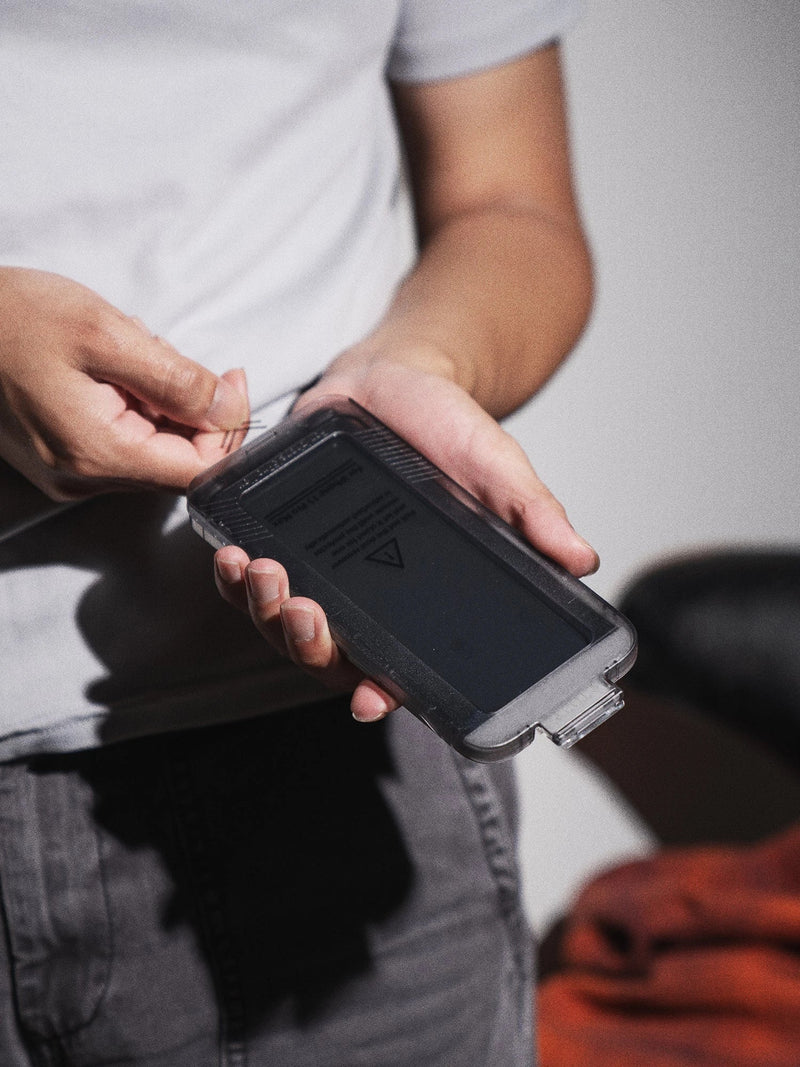
91%+ light transmittance and under 2% haze for true, uncoloured clarity. Comes with an easy-align tray for a bubble-free fit.
Clear or privacy: which should you choose?
Both are 9H tempered glass, so protection is the same. The difference is who can see your screen. A clear protector shows the display at full brightness and full viewing angle, which is what most people want at home. A privacy protector adds a micro-louvre filter that darkens the screen for anyone looking from the side, so the person next to you on the train or at the next desk sees black, while your head-on view stays clear.
Choose privacy if you regularly read messages, banking or work information in public. Choose clear if you mostly use your phone alone, watch a lot of video, or want the brightest possible screen, since a privacy filter slightly dims the display and can make wide side-by-side viewing harder. We break the trade-offs down in full in our clear vs privacy screen protector guide.

High-alumina 9H glass with a side-angle privacy filter, so your screen stays your business. Same bubble-free install tray.
What makes a good screen protector?
Price is not the signal. These five things are what separate a protector you forget is there from one you peel off in a week.
- 9H hardness. This is the standard hardness rating for tempered glass, and it means the surface resists scratching from everyday hard objects like keys and sand. Anything softer scratches quickly.
- High clarity, low haze. Look for light transmittance around 90%+ and low haze, so the glass stays invisible and your screen does not look milky or dimmed. KELAB's clear glass runs 91%+ transmittance and under 2% haze.
- Oleophobic coating. A fingerprint-resistant top layer keeps smudges and oil from building up and makes the glass easy to wipe clean.
- Case-friendly edges. The protector should stop just short of the screen edge so it does not fight your case and lift at the corners.
- An alignment tray. The single biggest cause of a ruined protector is a crooked, bubbled, dusty install. A tray that positions the glass for you removes the guesswork.
Will a screen protector work with my case?
Yes, if both are designed for it. The thing to avoid is a full-edge-to-edge protector paired with a case that has a raised lip, because the two meet at the corners and the protector lifts. The fix is a case-friendly protector that stops just inside the screen edge, which is how KELAB's are cut, so there is a clean gap between the glass and your case wall.
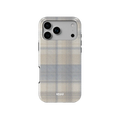
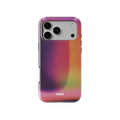
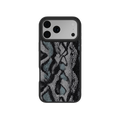
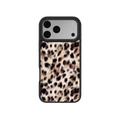
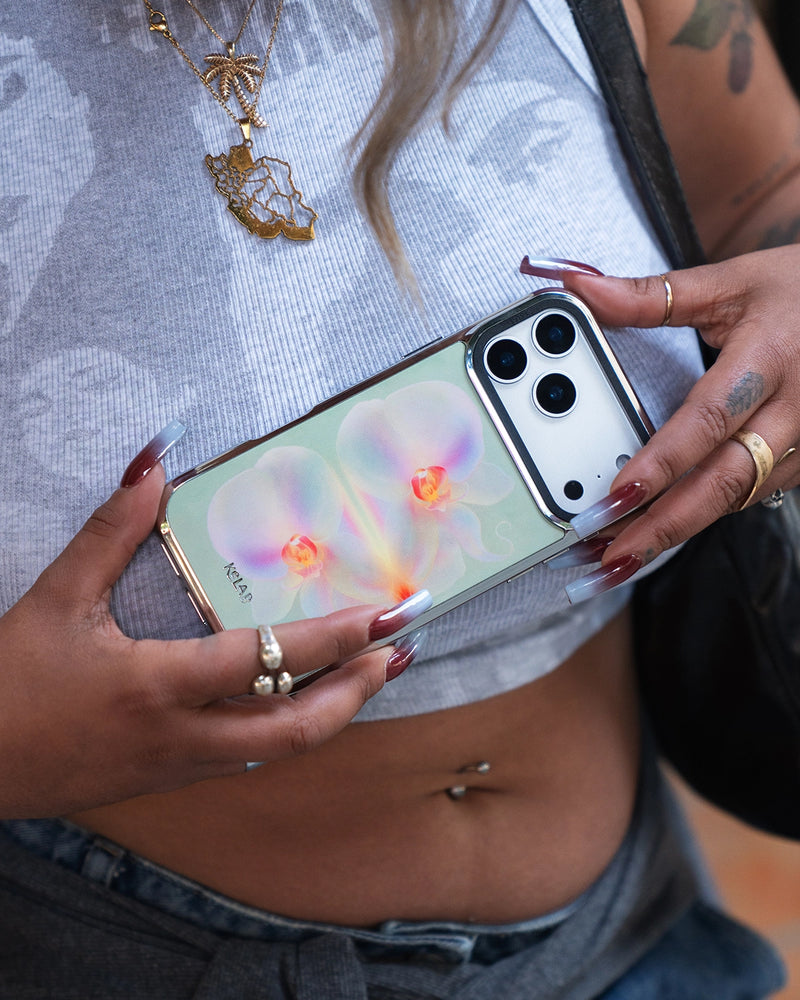
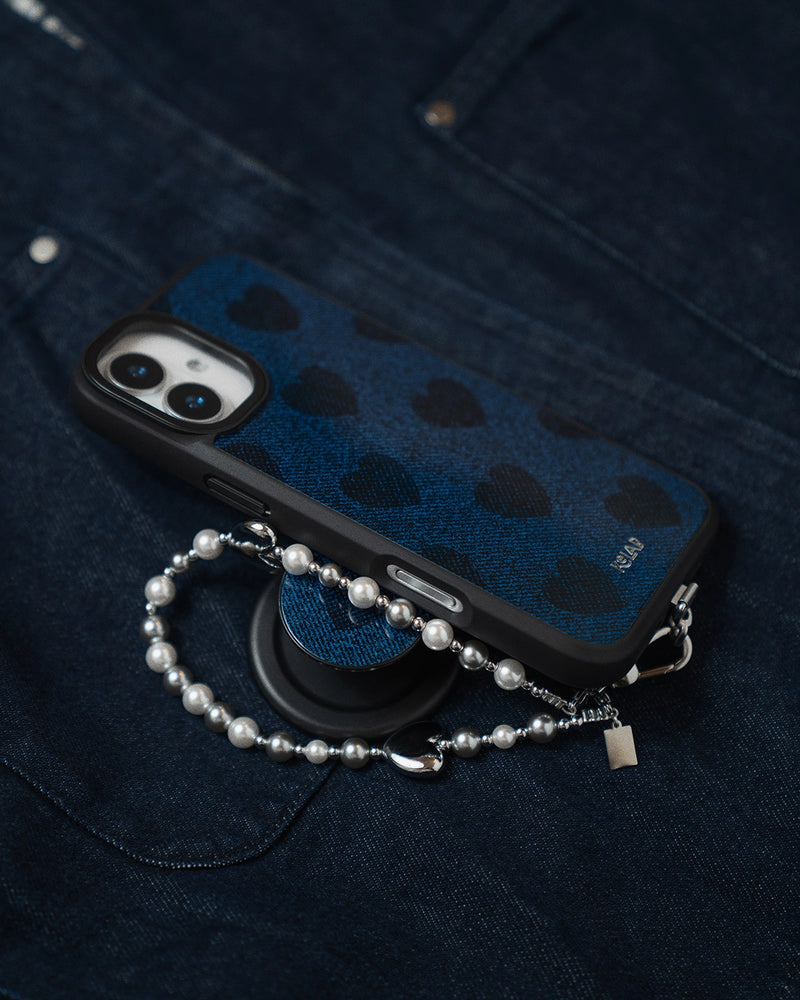
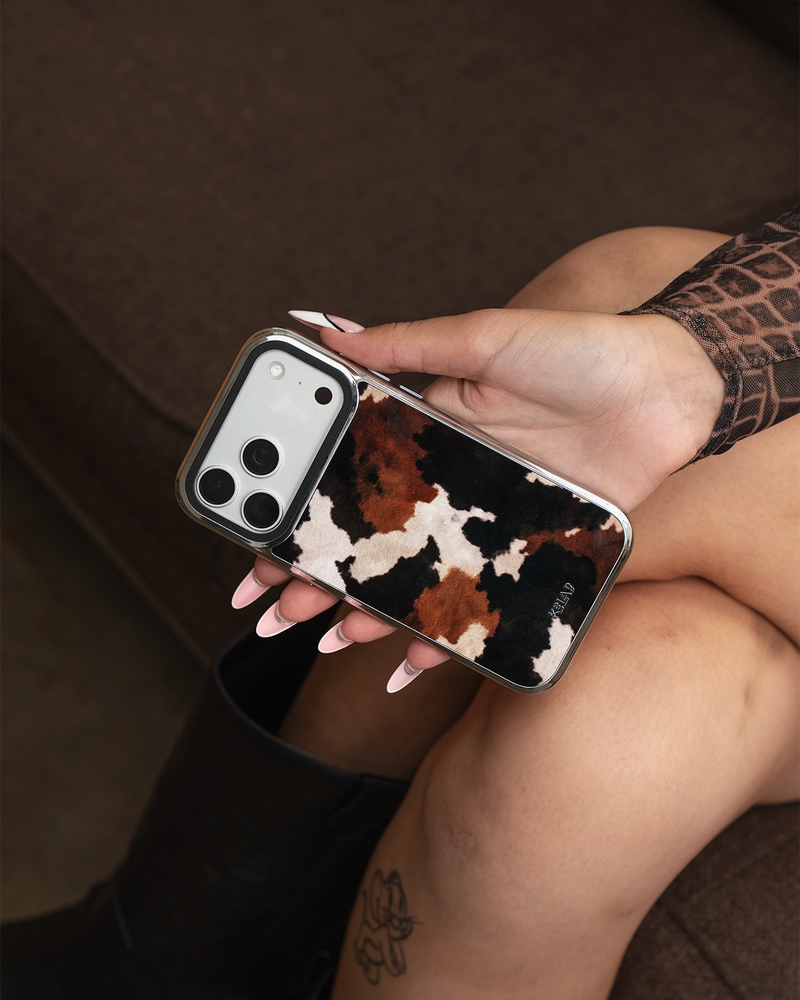
If you are building your setup from scratch, it is worth choosing the case and the protector together so the fit is clean and the look stays intentional. Browse the full range of aesthetic iPhone cases, or start with our complete guide to aesthetic phone cases to pick the design first, then add the matching protection.
How do you apply a screen protector without bubbles?
Bubbles almost always come from dust trapped under the glass, not from air. Get the screen perfectly clean and the rest is easy. With an alignment tray it takes about two minutes.
- Clean first, in a low-dust room. Use the alcohol wipe, then the microfibre cloth, then the dust-removal sticker to lift any last specks. A bathroom just after a hot shower has the least airborne dust.
- Check for specks in the light. Hold the screen at an angle under a lamp. One speck of dust makes one permanent bubble, so this step is the whole game.
- Use the tray. Seat the protector in the alignment tray, lower it onto the phone, and let it fall into place. Do not push it around.
- Let it settle, then press out. The adhesive spreads on its own over a few seconds. Press gently from the centre outward to chase any small air bubble to the edge. Real air bubbles disappear within a day; a bubble that stays put has dust under it.
Want to see it done? Our screen protector installation guide walks through the whole thing step by step, with a short video.
Frequently asked questions
Do I really need a screen protector?
What is the difference between tempered glass and a film screen protector?
Does a 9H screen protector actually stop cracks?
Will a screen protector work with my phone case?
How do I apply a screen protector without bubbles?
Clear or privacy: which screen protector should I get?
How often should you replace a screen protector?
Do screen protectors affect touch sensitivity?
Protect your screen, the easy way
Clear, privacy and camera lens protectors for iPhone 12 to 18 and Samsung Galaxy, all with a bubble-free install tray.
Shop screen protectors →9H tempered glass. From $12.


