
 ACCOUNT

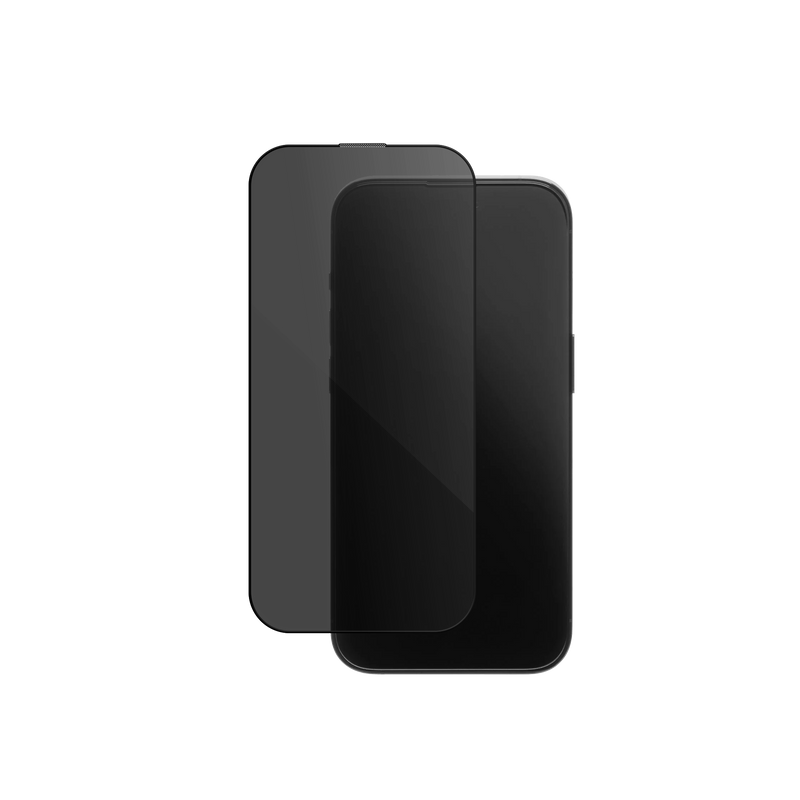
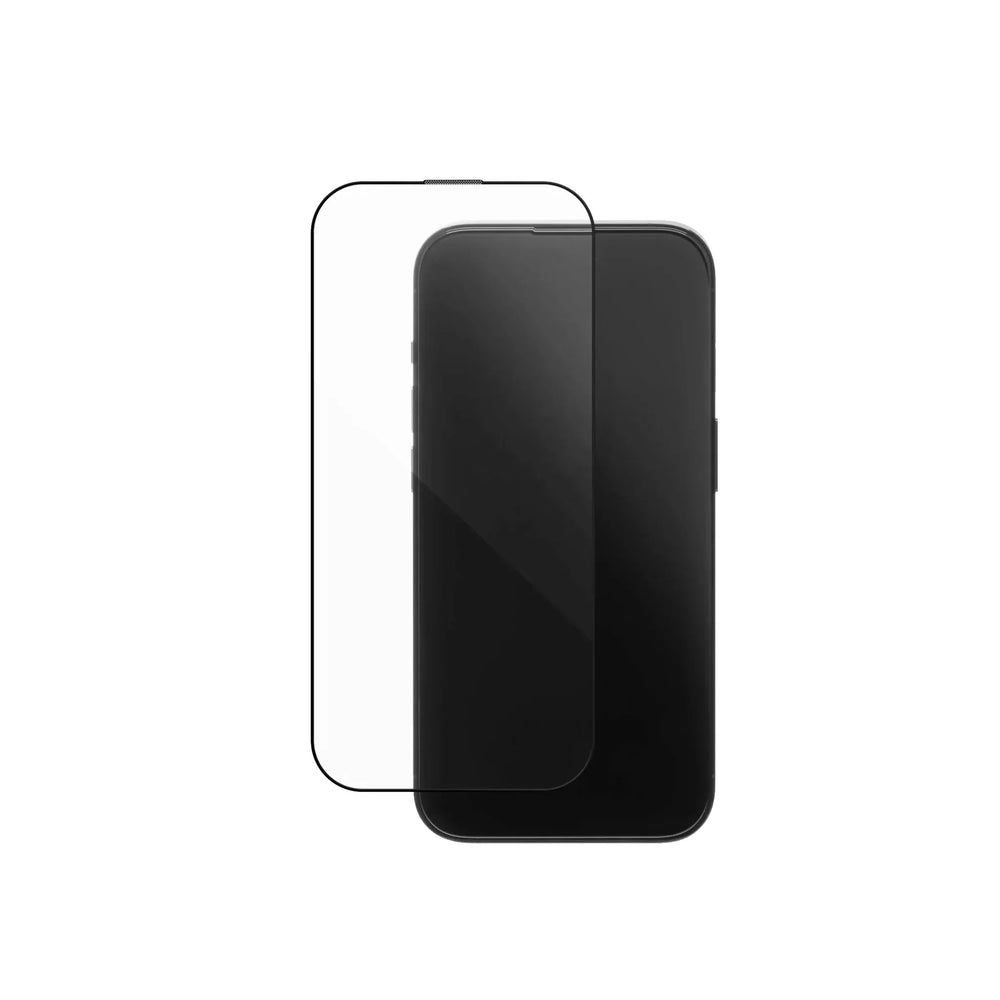
The short answer: choose a clear screen protector if you want the brightest, truest-to-original display and you don't mind the person beside you glancing at your screen. Choose a privacy screen protector if you'd rather they saw a black panel, and you're happy to nudge your brightness up a notch in return. Everything else, the glass, the hardness, the drop protection, the coating, is identical on both. So the whole decision comes down to one question: who gets to see your screen?
In this article
- What's the real difference?
- Do privacy screen protectors reduce brightness?
- What do they have in common?
- Which one should you choose?
- FAQ
In a hurry? Our at-a-glance comparison gives you the verdict in one screen. Want the full picture? Read on.
What's the difference between a privacy and clear screen protector?
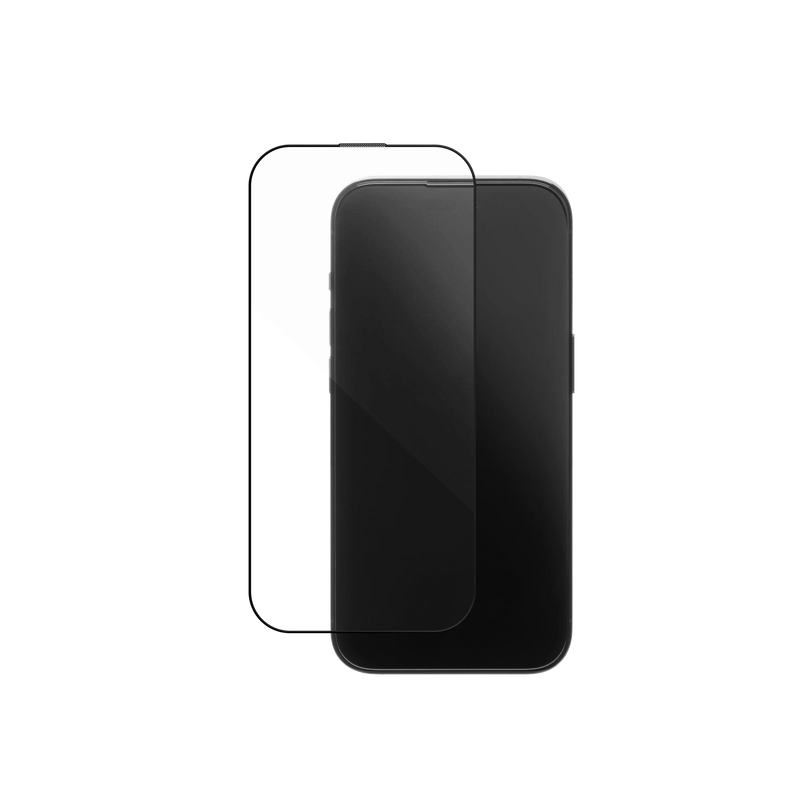
A clear screen protector is a transparent sheet of tempered glass. It guards your display against scratches and drops and otherwise tries to disappear, leaving the screen looking untouched.
A privacy screen protector adds one thing on top of that: a micro-louver filter, a layer of microscopic vertical blinds built into the glass. Look at your phone straight on and you see everything normally. Tilt it even slightly to the side and those louvers cut the light, so a seatmate, the queue behind you, or a colleague across the desk sees a dark screen instead of your messages. On KELAB's privacy glass the clear viewing window is roughly 28 degrees from centre; past that, it goes dark. That is the entire difference between the two, and everything below flows from it.

Do privacy screen protectors reduce brightness?
Yes, a little, and it's worth understanding why before you buy. The same louvers that hide your screen from the side also block a small amount of the light heading toward you. So a privacy protector looks slightly dimmer head-on than a clear one, and colours can read a touch cooler. You notice it most outdoors in bright sun, or when watching video.
The fix is simple: raise your screen brightness one notch. On the high-nit displays in recent iPhone and Galaxy models, that offsets almost all of the difference indoors. It is a fair, honest trade for keeping your screen private, and for a lot of people it is invisible in daily use.
A clear protector has nothing to hide, so it stays at full brightness. KELAB's clear glass lets through 91% or more of your screen's light with under 2% haze, which is why it looks like there is nothing on the screen at all. If maximum brightness and true colour matter most to you, for photo editing, gaming, or watching a lot of video, clear is the safer pick.

91%+ light transmittance, under 2% haze. Designed to disappear, so your display looks exactly as it should.
What do a privacy and clear screen protector have in common?
Almost everything. Once you set the viewing angle aside, the two are the same product.
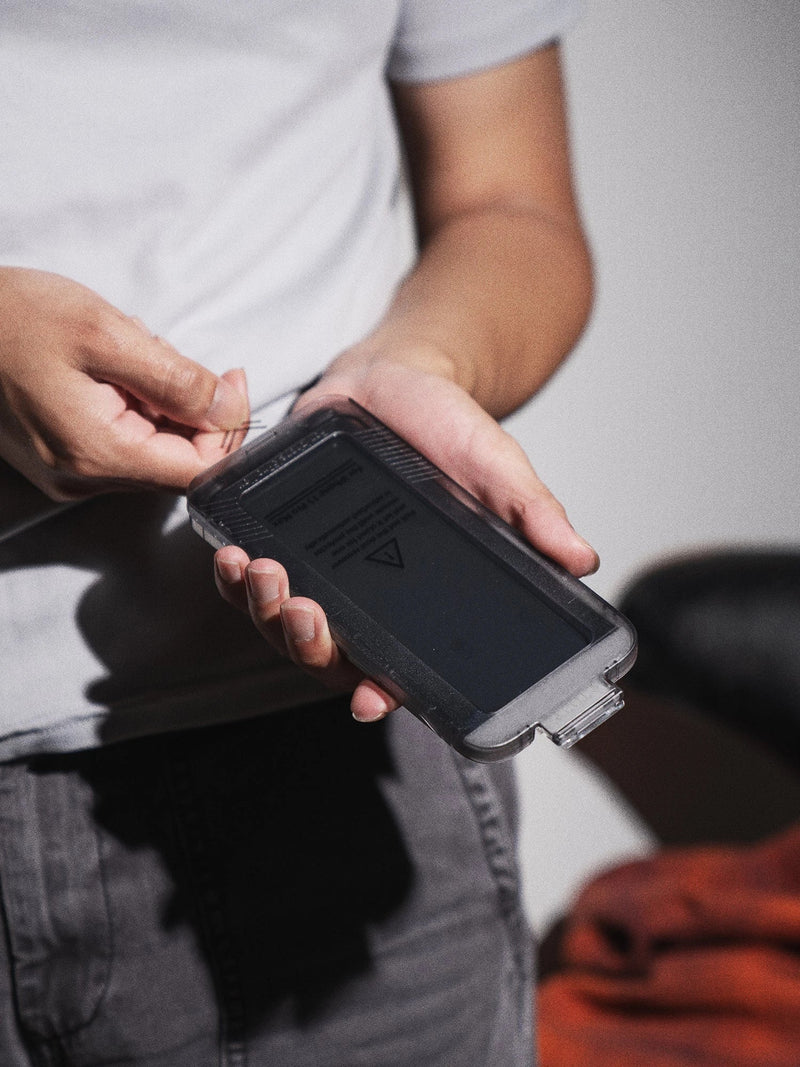
Both KELAB protectors are cut from the same 9H high-aluminosilicate tempered glass, the hard, drop-resistant grade chosen because it takes real impact without shattering. Both are 0.33mm thin with 2.5D rounded edges, so they sit flush under any case and keep full touch response. Both carry a Japanese Shin-Etsu oleophobic coating that resists fingerprints and stays smooth even after thousands of wipes, not just the first week. Both install the same way, with a dust-free alignment tray that gets you a bubble-free result on the first try, and both leave Face ID, the front camera, and Dynamic Island working normally.
Here is how they line up side by side:
| Feature | Clear | Privacy |
|---|---|---|
| Who sees your screen | Anyone nearby | Only you, head-on (about 28°) |
| Brightness and clarity | Full, 91%+ light, under 2% haze | Slightly dimmer head-on |
| Glass and hardness | 9H high-aluminosilicate | 9H high-aluminosilicate |
| Drop protection | 64g steel ball from 80cm | 64g steel ball from 80cm |
| Coating | Shin-Etsu, 5,000-wipe tested | Shin-Etsu, 5,000-wipe tested |
| Thickness and edges | 0.33mm, 2.5D | 0.33mm, 2.5D |
| Install | Dust-free tray | Dust-free tray |
| Best for | Media, gaming, sharing | Commutes, work, public spaces |
New to fitting a screen protector? Our step-by-step installation guide walks you through it with a short video, so you get it right the first time with either version.
Which screen protector should you choose?
Choose clear if you want your screen to look exactly as Apple or Samsung intended: the brightest, truest option, with nothing between you and the display. It is the natural pick if you share photos and video with the people around you, or you simply want the least noticeable protection possible.
Choose privacy if you read messages, email, banking, or work documents on the move, and you would rather the person next to you on the train or in the open-plan office saw a black screen. The small dip in brightness is a fair trade for that peace of mind.
Still on the fence? Most people are happy with clear at home and wish they had privacy the moment they are on a packed commute. If your phone spends a lot of its life in public, privacy tends to earn its place.
For the bigger picture, including tempered glass versus film, camera lens protectors and how to fit one without bubbles, see our complete screen protector guide.

Clear to you head-on, dark to everyone beside you. Same 9H glass, same protection, plus an anti-spy filter.
Not sure which kind of protector you need in the first place? Our guide to the types of screen protectors compares tempered glass, film, hydrogel, ceramic and liquid, so you can settle the material before choosing between clear and privacy.
Frequently asked questions
Do privacy screen protectors work with Face ID and touch?
Yes. KELAB's privacy glass does not cover or interfere with the Face ID array, the front camera, or the touch layer. Face ID, Touch ID where applicable, and normal swiping all work as usual. You may notice a slightly firmer first press on day one, which settles quickly.
Can people tell you are using a privacy screen protector from the front?
Not in any way that gets in your way. Looked at straight on, it reads like an ordinary glass protector. The darkening effect only appears once the screen is viewed from an angle, which is exactly the point.
Can someone behind me still see my screen?
Possibly, and it is worth being clear about this. KELAB's privacy glass is a two-way filter, so it darkens the screen for anyone to your left or right: a seatmate on the train, the person in the next queue, a colleague at the desk beside you. Someone standing directly behind you and looking over your shoulder is viewing the screen head-on, so they can still see it. Privacy glass blocks side angles, not a direct over-the-shoulder view.
Does a privacy or a clear protector give more protection?
Neither. Both use the same 9H high-aluminosilicate glass and pass the same drop test, a 64g steel ball dropped from 80cm. Scratch and impact protection is identical. The only real difference is the viewing angle.
Are privacy screen protectors worth it?
If you regularly handle anything on your phone you would rather keep to yourself in public, messages, banking, work, then yes. You trade a small amount of head-on brightness for the fact that nobody beside you can read your screen. If you are mostly at home or don't mind who sees, a clear protector keeps things brighter for less.
What are the disadvantages of a privacy screen protector?
There are three worth knowing, and none is a dealbreaker for most people. First, the screen looks slightly dimmer head-on, because the same filter that hides the sides also blocks a little light coming toward you. Second, you may nudge your brightness up a notch to make up for it, which uses marginally more battery. Third, you cannot easily show a photo to the person beside you, since the screen darkens at an angle for them too. If bright, true colour matters most, clear is the better pick.
Do these fit Samsung Galaxy as well as iPhone?
Both protectors are available for recent iPhone models, and the privacy version also covers the Samsung Galaxy S25 and S26 series. Check the model dropdown on each product page for the exact fit for your phone.
Protect your screen, your way
Same glass. Same protection. The only choice is who sees it.
Dust-free install tray included with every protector. Details for the deliberate.


